
Prospect Research ToolSales 3D Model
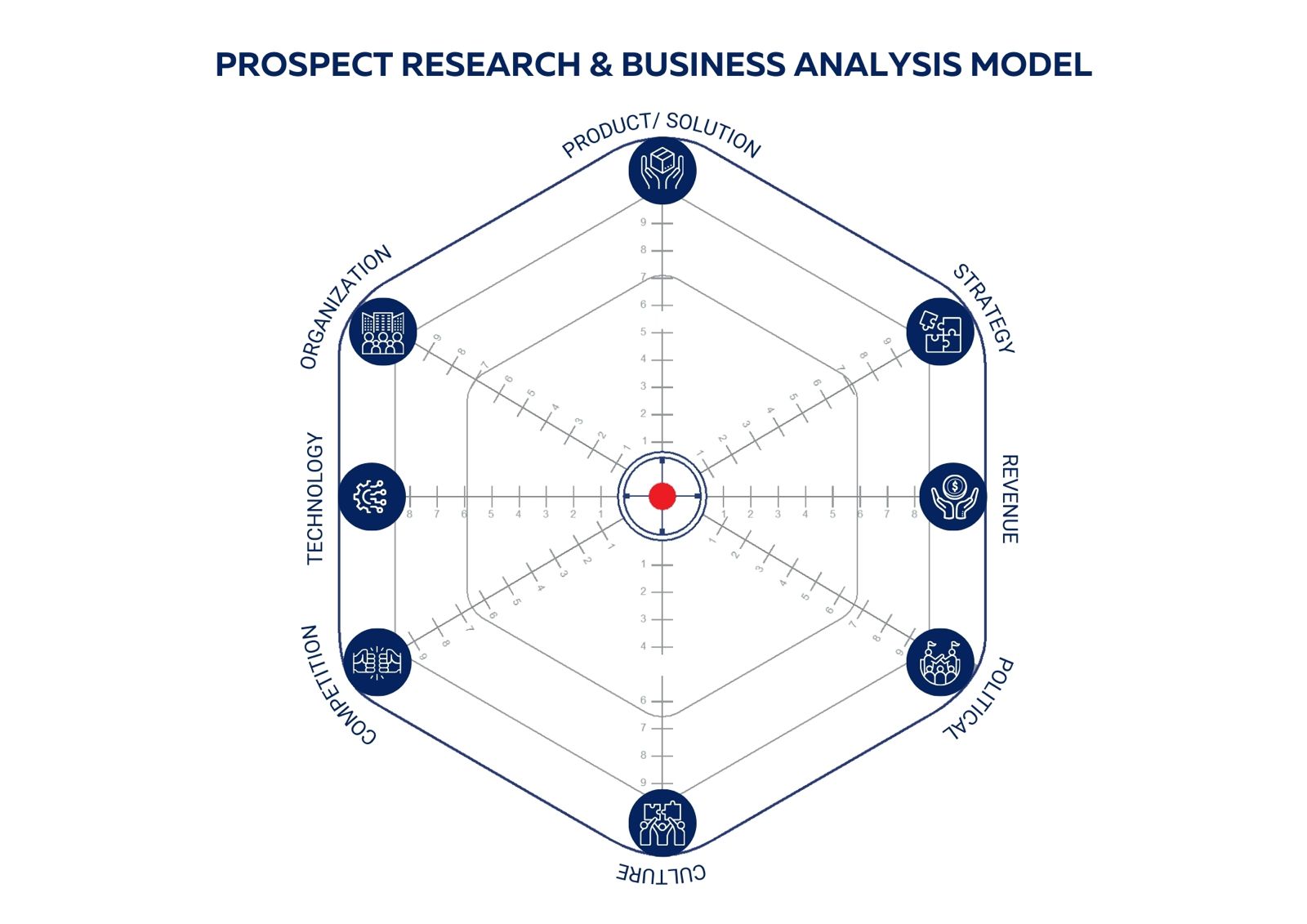
Score each dimension of your prospect. Higher scores indicate areas requiring greater emphasis in your pitch strategy.
Prospect Research Tool
Know your prospect
before you walk in.
- Spot the signals that reveal where your prospect's world is shifting
- Identify the right ICPs and decision makers to target first
- Turn cold outreach into conversations that feel personally relevant
How to Use
1
Score Each Signal
Rate each element 0 to 10 based on how much it has changed in your prospect's world.
0
Unknown — not researched yet
5
Stable — no major changes visible
10
Critical — significant shift underway
2
Focus on the Outer Ring
Signals farthest from the center = biggest business shifts in your prospect's world. Start your pitch there.
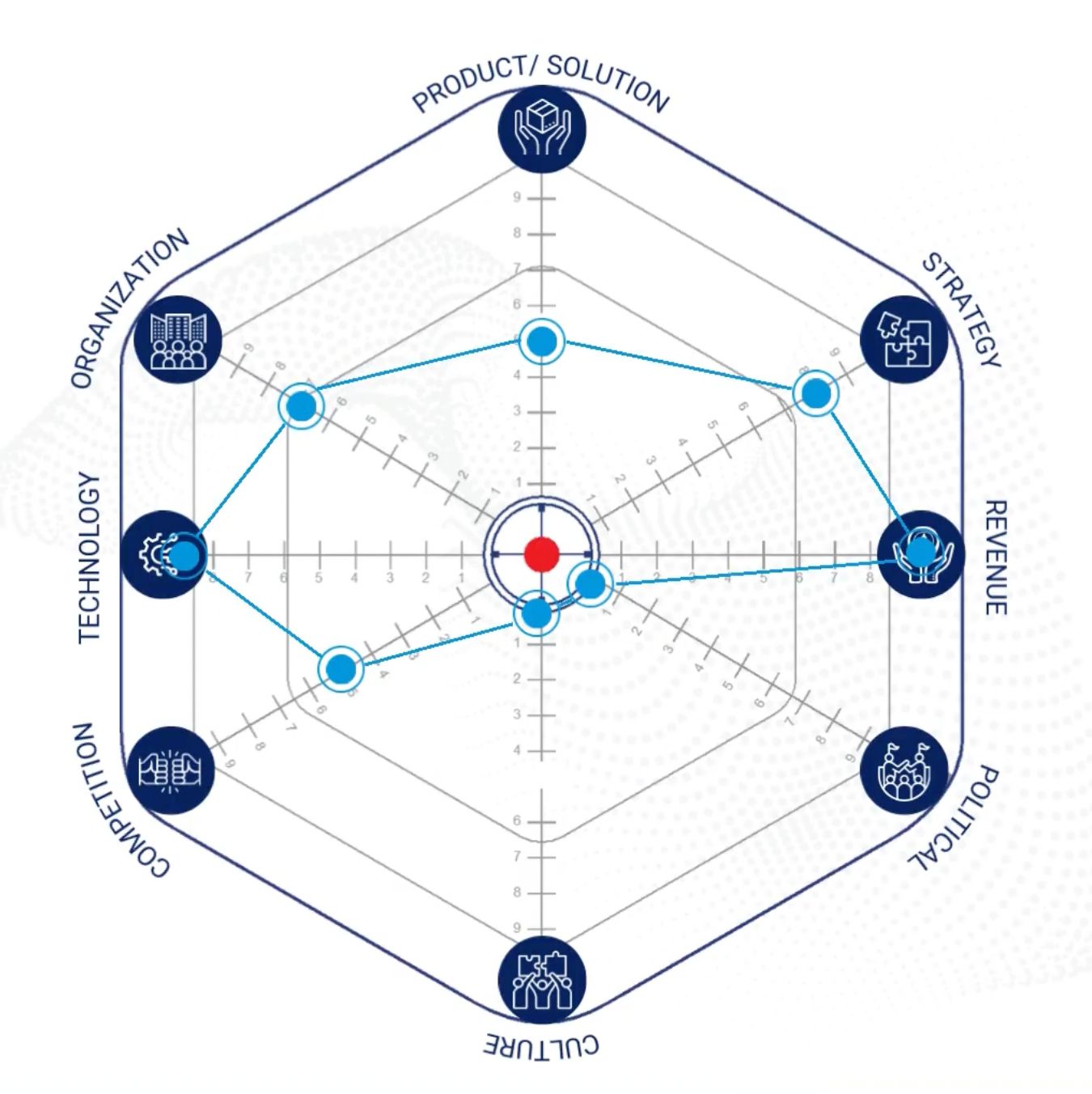
Outer ring = highest priority areas
3
Act on Your Total Score
Add up all 8 signals. Your total tells you exactly where you stand.
Total
=
48
Pitch Ready
Below 40
Keep researching before you reach out
Above 40
You are ready. Prioritize and pitch.
Start Your Research
Takes about 5 minutes · No login required · Download your results as a PDF
1
Enter Prospect Details
Score each dimension from 0 (no emphasis needed) to 9 (critical focus area). Higher scores signal where your pitch should invest the most attention to win this deal.
2
Sales 3D Model — Analysis
✦
Strategic Snapshot
◎
Pitch Priority Radar
⚑
